


Case Study: Digitizing Operations in a Hardware-Driven Company
• 9 min read
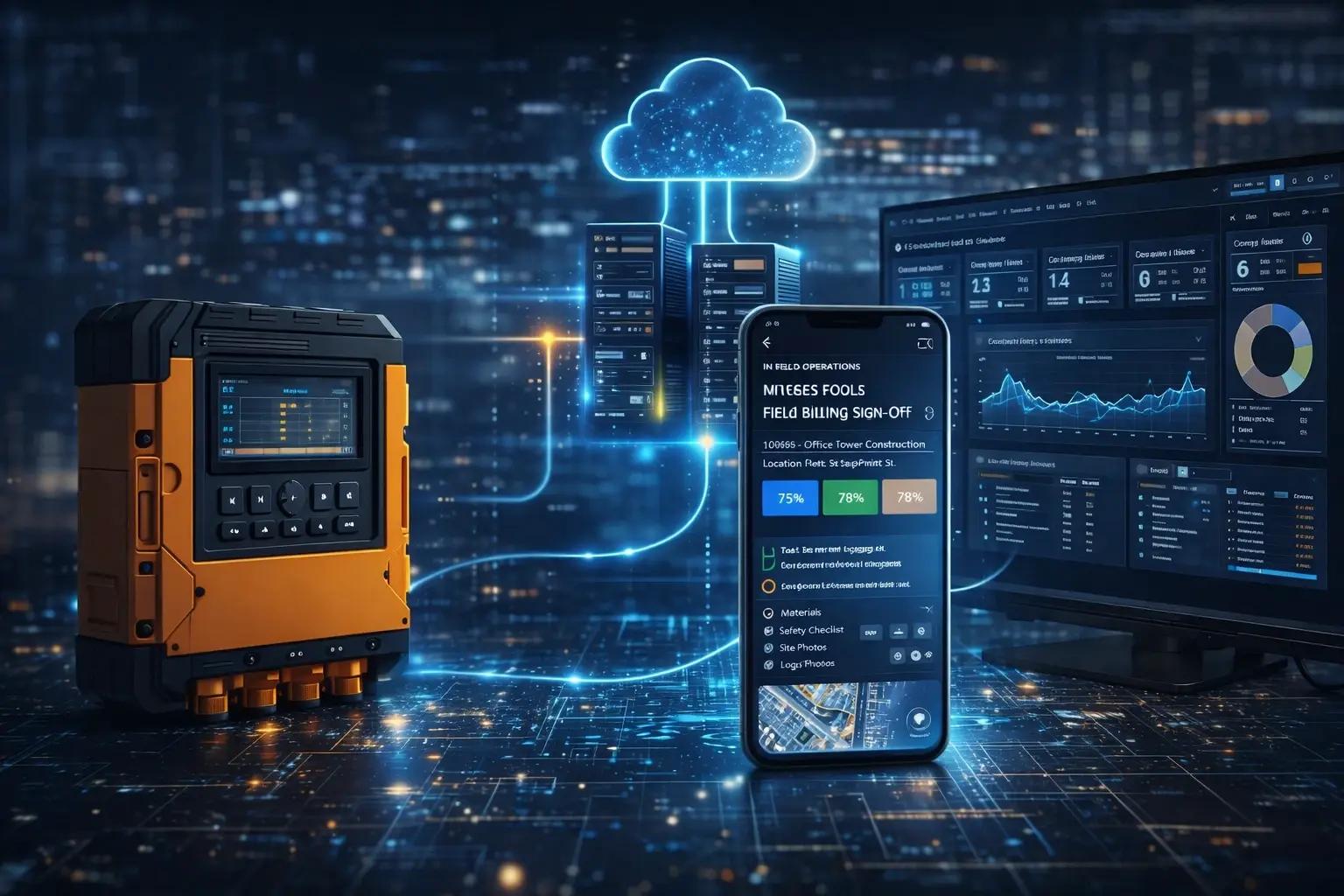
When most people think about digital transformation, they picture software companies digitizing software. The harder — and in many ways more interesting — problem is digitizing operations in companies where the primary product is physical: equipment, installations, infrastructure, construction.
These companies have operations that are inherently complex. Their workflows involve physical artifacts, field-based execution, hardware state management, and coordination between office and field teams that happens dozens of times a day. Digitizing these operations isn't just about replacing paper forms with digital ones — it's about modeling a physical reality in software well enough that the software becomes genuinely useful.
This case study walks through how one hardware-driven company transformed its operations through software — the problems they faced, the decisions they made, and the outcomes they achieved.
The Company
A mid-sized equipment installation and service company operating across multiple regions. Their business: installing and maintaining specialized hardware systems at customer sites. Think large-scale commercial or industrial installations — the kind that require coordination between project managers, field technicians, hardware suppliers, and customer facility teams.
At the time they engaged BuildConTech, they were running their operations on a combination of spreadsheets, email chains, WhatsApp groups, and a legacy field service management system that hadn't been updated in years and was approaching end of life.
The Problem Landscape
Before design or development work began, the team spent three weeks embedded with the company's operations — attending project kickoff meetings, riding along with field technicians, sitting in with dispatchers, and reviewing the paper and digital trails that documented completed work.
The findings revealed a set of interconnected problems:
Job tracking was unreliable. Work orders were created in one system, tracked in a spreadsheet, and completed in another system. Status updates required manual synchronization between systems — and frequently didn't happen. Operations managers had no reliable, real-time view of which technicians were on which jobs, what the job status was, or whether any work was blocked.
Field documentation was fragmented. Installation and service jobs required capturing extensive documentation: photos of before/after conditions, equipment serial numbers, customer sign-offs, test results, safety checklists. This was done on paper, then submitted at the end of the day (sometimes), then manually transcribed into a system (sometimes), then filed (sometimes). Documentation was routinely incomplete, lost, or delayed by days.
Dispatch and scheduling were manual and reactive. Dispatchers managed technician schedules in a shared spreadsheet. When jobs ran long, when a technician called in sick, or when an urgent service call came in, reschedules happened via a series of phone calls and WhatsApp messages. No one had a real-time view of the full schedule.
Customer communication was slow and inconsistent. Customers wanted to know when technicians would arrive, what work had been done, and when the project would be complete. This information had to be manually gathered and communicated, which happened inconsistently depending on which project manager was involved.
Billing was delayed. Invoicing couldn't start until job completion documentation was received from the field. Because documentation was delayed and incomplete, billing cycles ran 2–4 weeks behind job completion. On a portfolio of hundreds of jobs, this represented a significant and unnecessary working capital drain.
The Design Decisions
The solution wasn't "build an app." It was a sequence of intentional design decisions informed by the operational research:
Decision 1: Field-first, mobile-native architecture.
The primary users — technicians — would use the software exclusively on mobile devices, often in industrial environments with unreliable connectivity. The mobile app had to work offline, had to be usable with gloves on (large touch targets, minimal text input), and had to capture documentation (photos, barcodes, signatures) efficiently.
Web app technology was evaluated and rejected for the field experience. A native mobile app was built for the primary field workflows. The office-facing management and reporting interface was built as a web application.
Decision 2: Single source of truth for job status.
The sprawl of systems — ERP for billing, spreadsheet for tracking, legacy FMS for work orders — was replaced with a single job management system that all workflows were connected to. This required integrating with the existing ERP for billing triggers, but the tracking and documentation functions were consolidated.
Decision 3: Event-driven data model.
Jobs don't just change status — they have events. A job was created, dispatched, arrived at, worked on, paused, material was received, work resumed, completed, inspected, signed off. Capturing this as an event log rather than a mutable status field enabled the audit capability, the billing trigger logic, and the customer communication automation that were critical outcomes.
Decision 4: Structured documentation capture at the point of work.
The documentation problem wasn't solved by making documentation easier to submit — it was solved by making documentation capture a required step in job closure, with structured prompts that matched the actual documentation requirements for each job type.
Field technicians complete an equipment installation? The app walks them through: confirm equipment serial numbers ( barcode scan), capture before/after photos (prompted by job type), have customer sign digitally, confirm checklist items. Documentation completion is the prerequisite for marking the job complete — it can't be skipped.
Decision 5: Real-time dispatch view as a core feature.
The dispatch and scheduling workflow was redesigned around a real-time map view showing technician locations (with their consent), current job status, and schedule. Reschedules could be made by dragging jobs on the schedule board, triggering automated notifications to technicians and customers.
The Implementation Approach
The build was phased to manage change management risk — a significant concern with any field operations digitization where workforce buy-in is critical.
Phase 1 (Months 1–3): Job tracking and mobile documentation. Core job management, mobile app for field technicians, basic dispatch view. Pilot with a single region.
Phase 2 (Months 4–6): Scheduling, dispatch, and customer communications. Real-time dispatch board, customer-facing job status notifications, scheduling automation.
Phase 3 (Months 7–9): Integration and billing automation. ERP integration for billing triggers, reporting and analytics, regional rollout.
The phased approach allowed operations teams to adapt to each change before the next layer was added. It also allowed the product to be validated against real operational conditions — revealing edge cases and requirements that weren't visible in the research phase.
Key Implementation Challenges
Offline sync complexity. In the pilot, cases emerged where multiple technicians were assigned to the same job, working simultaneously offline, and their documentation submissions conflicted. The conflict resolution logic for multi-technician jobs required additional development in Phase 1 that wasn't scoped initially.
Change resistance in the field. Experienced technicians who had developed their own documentation practices over years were initially resistant to a structured workflow. The change management approach — involving lead technicians in the app design, incorporating their feedback before rollout, and having them serve as peer trainers — was as important as the technical solution.
Legacy system integration. The ERP integration required translating data from a schema that had evolved over 15 years and had no formal documentation. Reverse-engineering the integration logic added three weeks to Phase 3.
Outcomes
Measured at 6 months post-full-deployment:
Operational error rate down 60%. Incomplete documentation, wrong equipment logged, missed sign-offs — these events dropped by 60% compared to the 6-month baseline before deployment. The structured documentation capture at the point of work was the primary driver.
Billing cycle reduced from 2–3 weeks to 48 hours. Job completion in the field now automatically triggers billing preparation in the ERP. Documentation is attached to the invoice at the point of capture. The 2–4 week delay was eliminated.
Dispatch efficiency improved significantly. Dispatchers reported spending 60% less time on manual schedule coordination. Reschedules that previously required 30–45 minutes of phone calls were handled in under 5 minutes.
Customer satisfaction improved. Automated status notifications — job dispatched, technician en route, job completed with documentation — reduced inbound status inquiry calls by approximately 40%.
Field technician adoption at 94%. This was the metric the operations director was most concerned about going into the project. At 6 months, 94% of field technicians were using the app for all job documentation.
What Made It Work
In retrospect, several factors were decisive:
Research before design. Three weeks of operational research before a wireframe was drawn. This produced a product that fit real workflows rather than assumed ones.
Field-first priorities. Building the mobile field experience before the management dashboard. The data quality flowing from the field determined the value of everything built on top of it.
Phased deployment with real feedback loops. Each phase produced feedback that shaped the next. The conflict resolution logic, the documentation prompts, the dispatch interface — all were refined based on production use before full rollout.
Change management as a product feature. Technical adoption isn't automatic. The program invested in lead technician involvement, peer training, and feedback mechanisms that made the change process participatory rather than imposed.
Working with BuildConTech
This project was built with BuildConTech working as an embedded development partner — embedded in operations meetings, on job sites, and in the development process alongside the company's internal product owner.
The embedded model was essential for the domain complexity this project required. Domain knowledge can't be transferred in a requirements document — it has to be lived. The product that resulted reflected 9 months of accumulated operational understanding, not just a spec.
If you're running operations in a hardware-driven business and facing similar challenges — fragmented data, manual workflows, field adoption problems — we'd like to hear about your situation.
Related reading: